Mind Map Generator
Sponsored Link:
Welcome to Mind Map Generator
Thank you for installing and using our extension
Tutorial:
- Install the Extension
- After installing the extension, click on the icon on the toolbar.
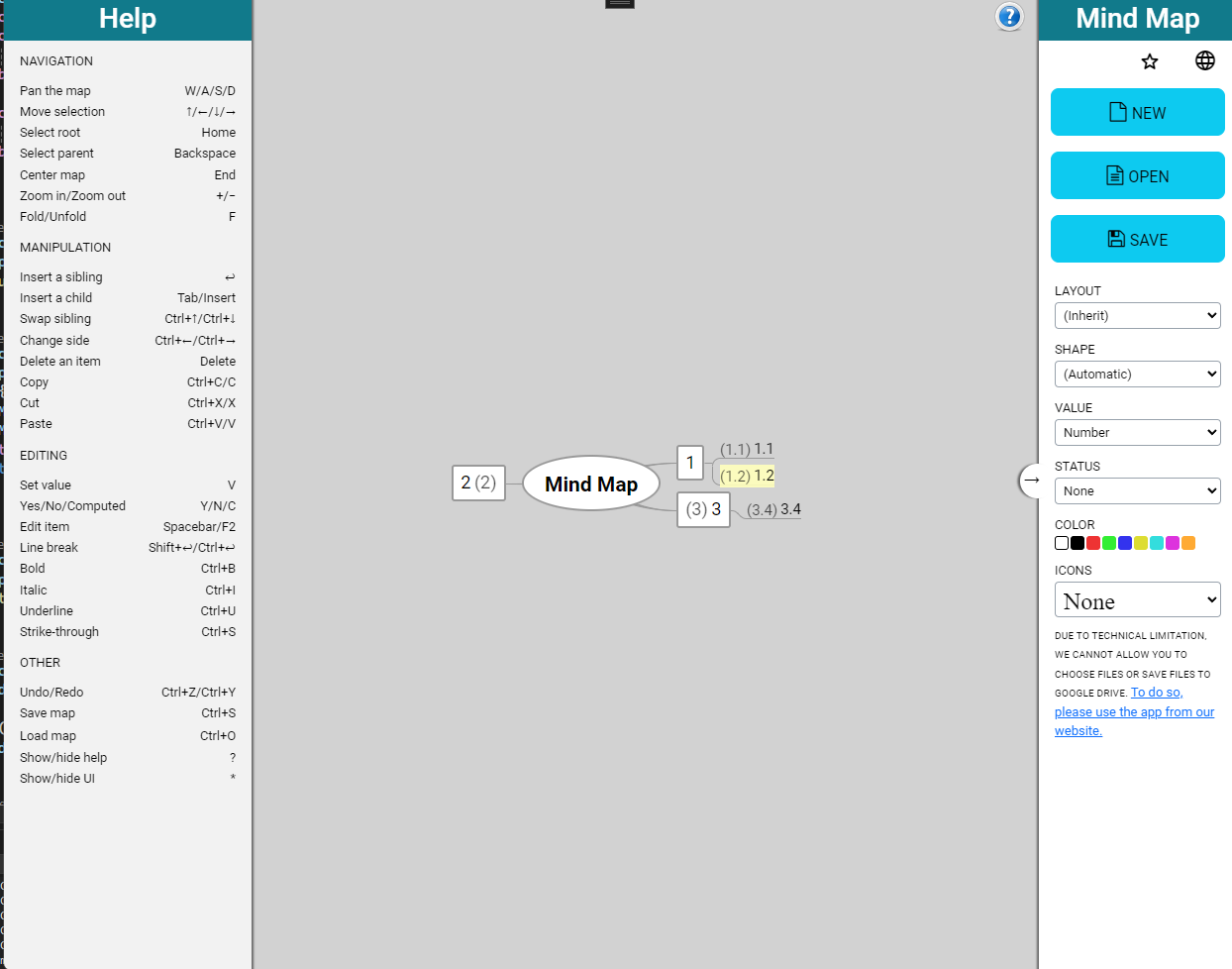
Welcome to Mind Map Generator: Unleash Your Creativity!
Visualize Your Ideas, Boost Productivity
Mind Map Generator is your ultimate tool for organizing thoughts, brainstorming, and unlocking creativity. Whether you’re a student, professional, or lifelong learner, our app empowers you to create beautiful mind maps effortlessly.
How It Works
-
Intuitive Interface: Our user-friendly interface makes mind mapping a breeze. Simply drag and drop nodes, connect ideas, and watch your thoughts come to life.
-
Flexible Structure: Customize your mind maps with colors, icons, and fonts. Rearrange branches, add subtopics, and create hierarchies—there are no limits to your creativity.
-
Collaborate Anywhere: Share mind maps with colleagues, classmates, or friends. Collaborate in real time, whether you’re in the office, classroom, or on the go.
Features That Inspire:
1. Goal Tracking
- Set objectives within your mind map. Whether it’s project milestones, personal goals, or travel plans, track your progress visually.
2. Export Options
- Export mind maps as json, FreeMap, MindMap Architect, MindMap or text files. Use them in presentations, reports, or as study aids.
Why Choose Mind Map Generator?
-
Boost Creativity: Visualizing ideas stimulates creativity and helps you think outside the box.
-
Enhance Learning: Mind maps improve memory retention and understanding. Use them for studying, note-taking, and revision.
-
Streamline Projects: Organize tasks, deadlines, and resources. Collaborate seamlessly with team members.
Get Started Today!
Download Mind Map Generator and embark on a journey of discovery. Transform your ideas into vibrant mind maps and watch your productivity soar! 🚀
Sponsored Link: