GPX Viewer
Sponsored Link:
Welcome to GPX Viewer
Thank you for installing and using our extension
Tutorial:
- Install the Extension
- After installing the extension, click on the icon on the toolbar.
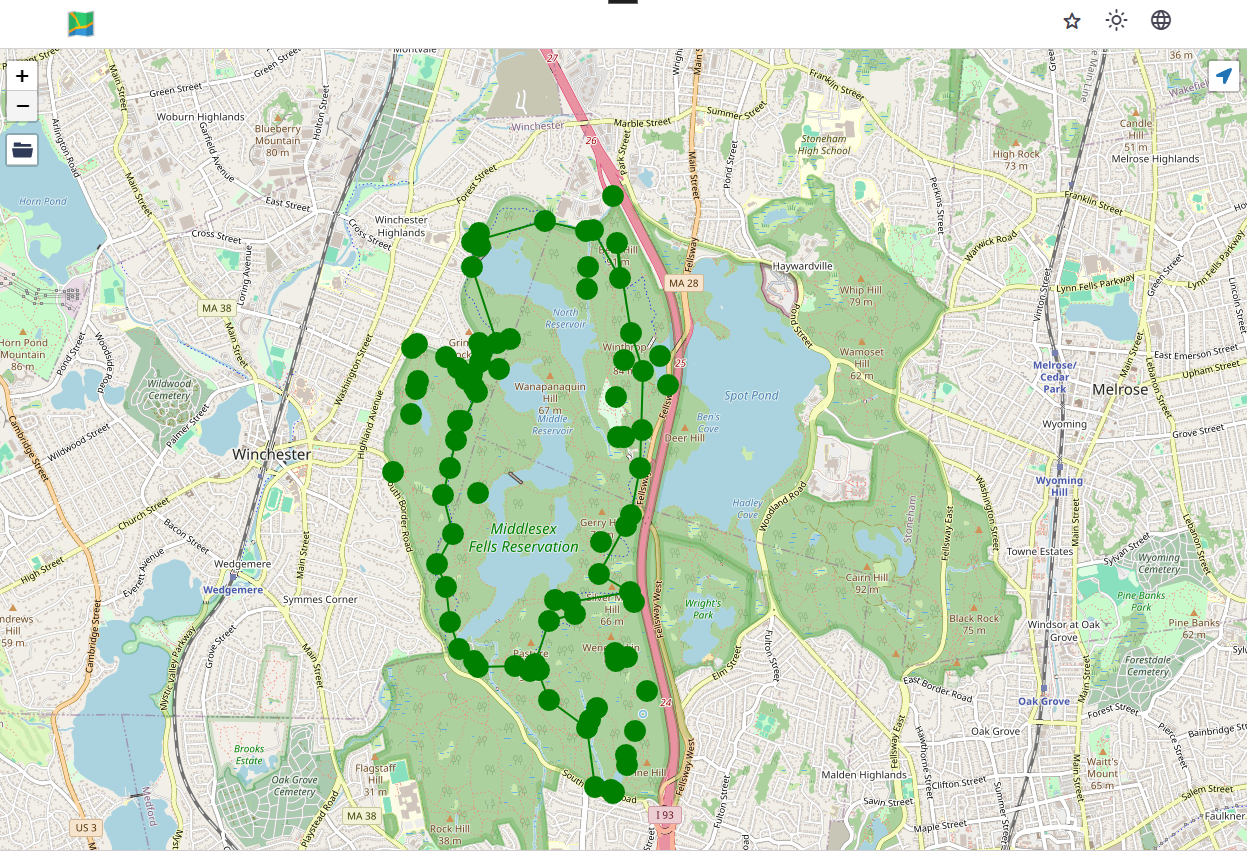
1. Overview: GPX Viewer is a powerful and versatile app designed for outdoor enthusiasts, hikers, cyclists, and travelers. Whether you’re exploring new trails, tracking your fitness activities, or planning an adventure, GPX Viewer provides essential features to enhance your experience.
2. Key Features:
- File Compatibility: GPX Viewer supports various file formats, including GPX, KML, KMZ, and LOC. You can view tracks, routes, and waypoints from these files.
- Detailed Trip Stats: Analyze information and statistics for your tracks and routes. View elevation profiles, speed profiles, and other relevant data.
- Online Maps: Access online maps from providers like Google Maps, Mapbox, HERE, and Thunderforest. You can also add custom TMS or WMS maps.
- Simple Navigation: GPX Viewer displays your current GPS position on the map, rotates according to device orientation, and notifies you when you’re near a waypoint.
- Trackbook Integration: Synchronize tracks and waypoints created on Trackbook, making it easy to manage your outdoor adventures.
3. Customization: GPX Viewer is highly customizable. Adjust settings according to your preferences, whether you want a feature-rich GPX viewer, simple navigation tool, or detailed trip analysis.
4. Data Accuracy: Keep in mind that GPX Viewer relies on your smartphone’s built-in GPS. While it provides valuable information, accuracy may vary based on GPS reception location, status, and measurement method.
5. Get Started: Download GPX Viewer today and explore the great outdoors with confidence. Whether you’re a seasoned adventurer or a weekend explorer, this app has you covered!
Sponsored Link: